If you’re a developer using Git for version control, you might encounter the warning “LF will be replaced by CRLF” when working with files that contain line endings inconsistent with the conventions of your operating system. This warning is particularly common when collaborating on projects with developers using different operating systems. In this blog post, we’ll explore why this warning occurs and provide solutions to resolve it.
Understanding the Warning:
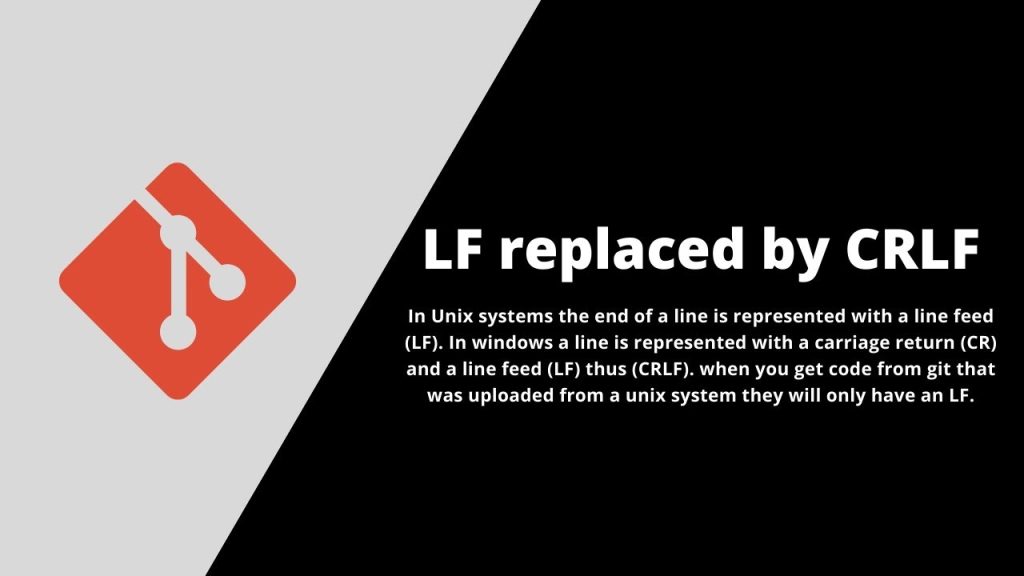
The warning “LF will be replaced by CRLF” indicates that Git is detecting line endings inconsistent with the conventions of the current operating system. LF (Line Feed) and CRLF (Carriage Return Line Feed) are two different newline characters used in text files. Unix-based systems (such as Linux and macOS) typically use LF, while Windows uses CRLF.
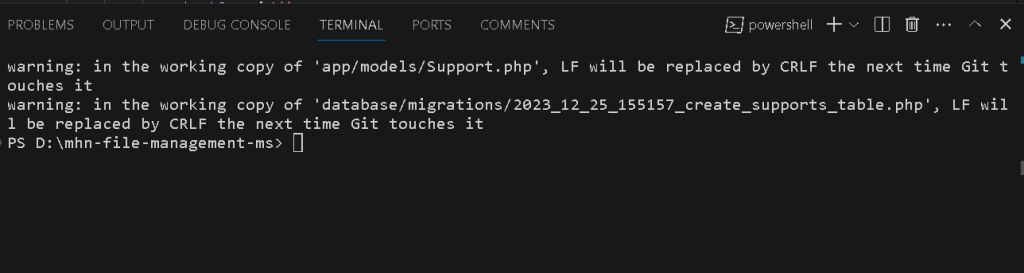
When files with LF line endings are checked out on a Windows system, Git may automatically convert them to CRLF to conform to the Windows line ending convention. This conversion can sometimes cause unexpected behavior, especially if files are shared between different systems.
Solution:
Configure Git to Handle Line Endings:
Use Git’s built-in configuration options to specify how line endings should be handled. You can set the core.autocrlf configuration option to true, input, or false depending on your requirements:
true: Git will automatically convert LF endings to CRLF when checking out files on Windows and vice versa when committing files. This option is suitable for projects with contributors using different operating systems.input: Git will convert CRLF endings to LF when committing files but will not perform any conversions when checking out files. This option is recommended for cross-platform projects.false: Git will not perform any line ending conversions. Use this option if you want to preserve the original line endings of files.
You can set the core.autocrlf option using the following command:
git config --global core.autocrlf false
git config --global core.eol lf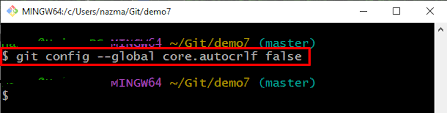
Hopefully, It will help you …!!!
