Introduction
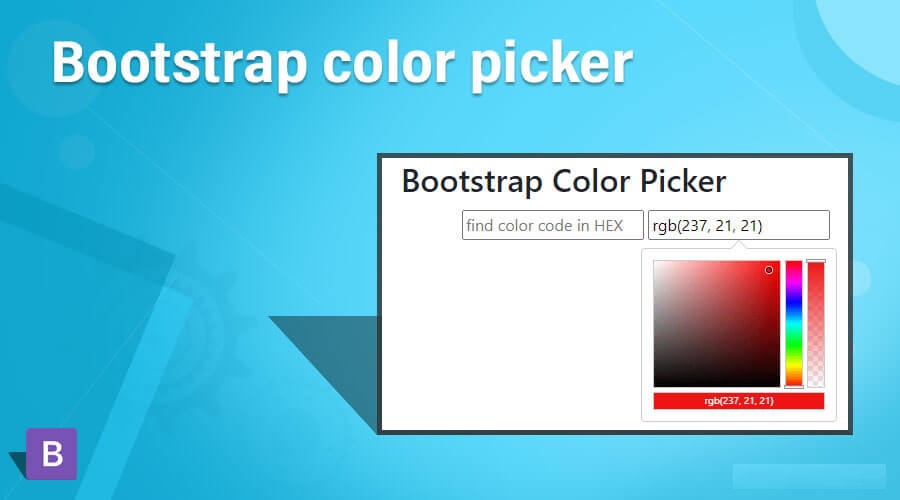
Have you ever wanted to customize the color of your website or application? Well, look no further! In this article, we will explore the Bootstrap Colorpicker and how you can use it to add a touch of color to your projects. Whether you’re a beginner or an experienced developer, this guide will provide you with example code and step-by-step instructions to get you started.
Getting Started
To begin using Bootstrap Colorpicker, you will need to include the necessary files in your project. You can either download the files directly from the Bootstrap website or include them via a CDN. Here’s an example of how you can include the required CSS and JavaScript files:
<!DOCTYPE html>
<html>
    <head>
        <link rel="stylesheet" href="https://maxcdn.bootstrapcdn.com/bootstrap/3.3.7/css/bootstrap.min.css">
        <link rel="stylesheet" href="https://cdnjs.cloudflare.com/ajax/libs/bootstrap-colorpicker/2.5.3/css/bootstrap-colorpicker.min.css">
    </head>
    <body>
        <div class="container">
            <div class="card">
                <input type="text" class="form-control colorpicker">
            </div>
        </div>
        <script src="https://code.jquery.com/jquery-3.5.1.min.js"></script>
        <script src="https://maxcdn.bootstrapcdn.com/bootstrap/3.3.7/js/bootstrap.min.js"></script>
        <script src="https://cdnjs.cloudflare.com/ajax/libs/bootstrap-colorpicker/2.5.3/js/bootstrap-colorpicker.min.js"></script>
        <script>
    $(document).ready(function() {
  $('.colorpicker').colorpicker();
});
        </script>
    </body>
</html>
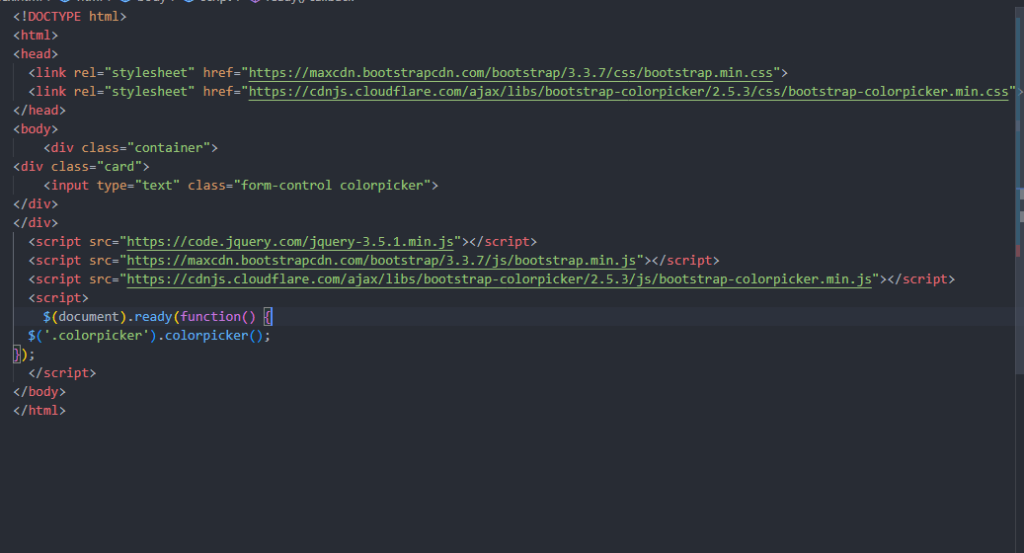
Output:-

Advanced Usage
Bootstrap Colorpicker offers a wide range of options and customization features. Here are some examples of what you can do with Bootstrap Colorpicker:
Changing the default color
You can set a default color for the color picker by using the color option. Here’s an example:
$(document).ready(function() {
  $('.colorpicker').colorpicker({
    color: '#FF0000'
  });
});
Using different color formats
Bootstrap Colorpicker supports various color formats, such as RGB, HEX, and HSL. You can specify the format by using the format option. Here’s an example:
$(document).ready(function() {
  $('.colorpicker').colorpicker({
    format: 'rgb'
  });
});
Adding an event listener
You can add an event listener to the color picker to perform certain actions when the color changes. Here’s an example:
$(document).ready(function() {
  $('.colorpicker').colorpicker().on('changeColor', function(event) {
    console.log('Selected color: ' + event.color.toRgbString());
  });
});
Hopefully, it will help you …!!!
