Introduction
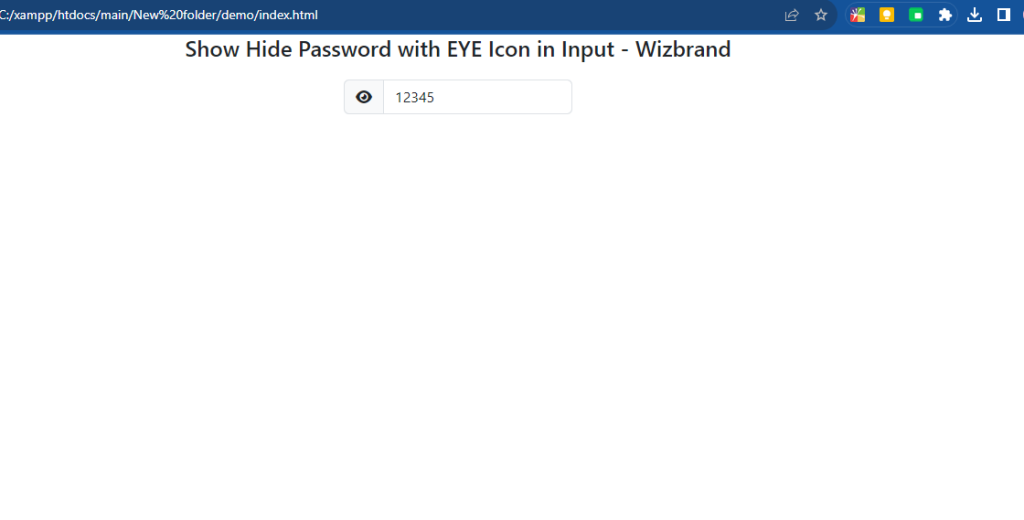
Have you ever been frustrated with password fields that hide your password as you type? Wouldn’t it be great if you could easily toggle between hiding and showing your password with just a click of a button? Well, you’re in luck! In this blog post, we’ll explore how to implement a hide and show password feature using JQuery and an eye icon.
Why Hide and Show Password?
Password security is crucial for protecting our online accounts. However, entering a password without being able to see it can be inconvenient and prone to errors. By implementing a hide and show password feature, users can easily verify the accuracy of their passwords before submitting them, enhancing the overall user experience.
Getting Started
index.html
<!DOCTYPE html>
<html>
<head>
    <meta charset="utf-8">
    <meta name="viewport" content="width=device-width, initial-scale=1">
    <title>Show Hide Password with EYE Icon in Input - Wizbrand</title>
    <link rel="stylesheet" href="https://cdnjs.cloudflare.com/ajax/libs/bootstrap/5.3.0/css/bootstrap.min.css" />
    <script src="https://cdnjs.cloudflare.com/ajax/libs/jquery/3.7.0/jquery.min.js"></script>
    <link rel="stylesheet" href="https://cdnjs.cloudflare.com/ajax/libs/font-awesome/6.4.0/css/all.min.css" />
    <style type="text/css">
        h4{
          text-align:center;
        }
        .container form{
          width:250px;
          margin:20px auto;
        }
        i{
          cursor:pointer;
        }
    </style>
</head>
<body>

<div class="container">
  <h4>JQuery: Show Hide Password with EYE Icon in Input - Wizbrand</h4>
  <form class="form-inline">

      <label class="sr-only" for="password">Password</label>
      <div class="input-group mb-3">
          <span class="input-group-text" id="basic-addon1"><i class="fa fa-eye-slash" id="eye"></i></span>
          <input type="password" class="form-control" placeholder="Password" aria-label="Password" aria-describedby="basic-addon1" id="password">
        </div>

    </form>
</div>

</body>

<script type="text/javascript">

    $(function(){

      $('#eye').click(function(){

            if($(this).hasClass('fa-eye-slash')){

              $(this).removeClass('fa-eye-slash');

              $(this).addClass('fa-eye');

              $('#password').attr('type','text');

            }else{

              $(this).removeClass('fa-eye');

              $(this).addClass('fa-eye-slash');

              $('#password').attr('type','password');
            }
        });
    });

</script>
</html>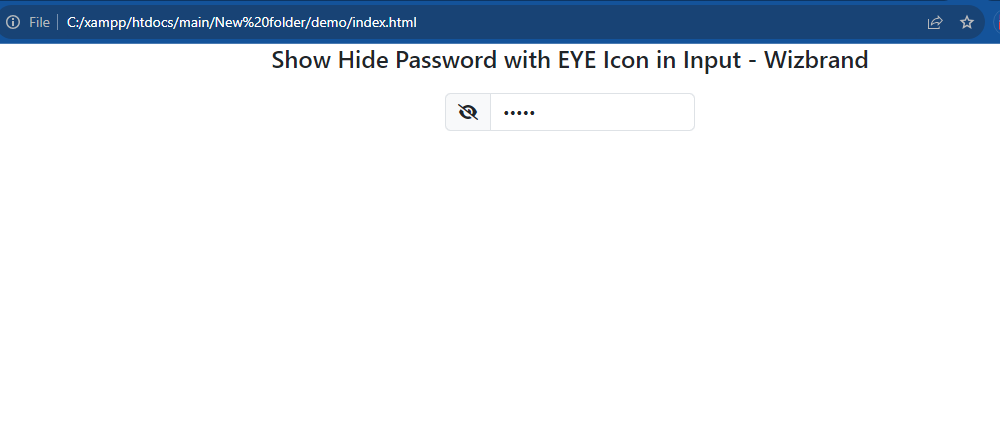
Output:-