In this tutorial, I’m going to share how to edit pdf online. First, you uploaded the PDF file, you can start editing its content. You can add or delete text, images, or pages. You can also change the font, size, and color of the text.
The feature of the Editing PDF tool
The features of an editing PDF tool may vary depending on the specific software or online tool you use. However, some common features of an editing PDF tool include:
- Text editing: The ability to edit, add, or delete text in a PDF document, including changing font style, size, and color.
- Image editing: The ability to edit, add, or delete images in a PDF document, including resizing, cropping, and rotating.
- Annotation tools: The ability to add comments, highlights, and annotations to a PDF document, making it easier to collaborate with others.
- Page management: The ability to add, delete, or rearrange pages in a PDF document.
- Form creation and editing: The ability to create and edit PDF forms, including adding form fields, buttons, and checkboxes.
- Security features: The ability to add password protection or encryption to a PDF document, restricting access to sensitive information.
- Optical character recognition (OCR): The ability to recognize text in scanned PDF documents and convert it into editable text.
- Electronic signature: The ability to add an electronic signature to a PDF document, making it legally binding.
Overall, an editing PDF tool should provide a range of features to make it easier to edit, manage, and collaborate on PDF documents.
How Wizbrand’s Editing PDF tool would help?
Edit PDF software can help you edit, modify, and manipulate the content of a PDF file. With a good PDF editor, you can perform various tasks, such as:
- Adding, removing, or modifying text: You can add, remove or modify the text in a PDF file, which can be useful if you need to make changes to a document that is already in PDF format.
- Inserting, resizing, or cropping images: You can add images to a PDF file, adjust their size and crop them as needed.
- Annotating and highlighting: You can add comments, highlights, and annotations to the PDF file, making it easier to collaborate on a document with others.
- Rearranging pages: You can rearrange the pages of a PDF file, deleting or moving pages as needed.
- Converting PDF to other file formats: With a good PDF editor, you can convert a PDF file to other file formats like Word, Excel, or PowerPoint, making it easier to edit the content of a PDF file.
How Users Use Edit PDF Tool Online
Step 1: Search https://www.wizbrand.com/tools/
Step 2: Search Tool Name
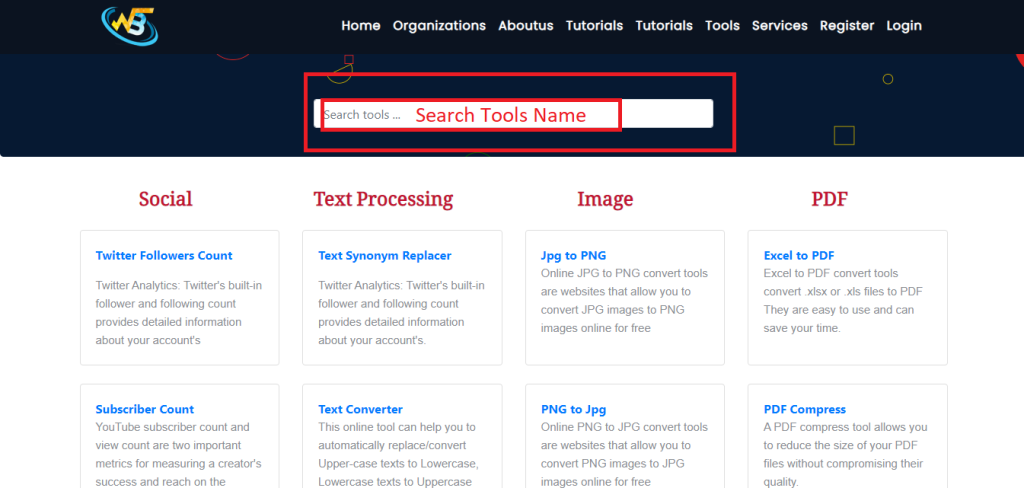
Step 3: Directly https://www.wizbrand.com/tools/editpdf/
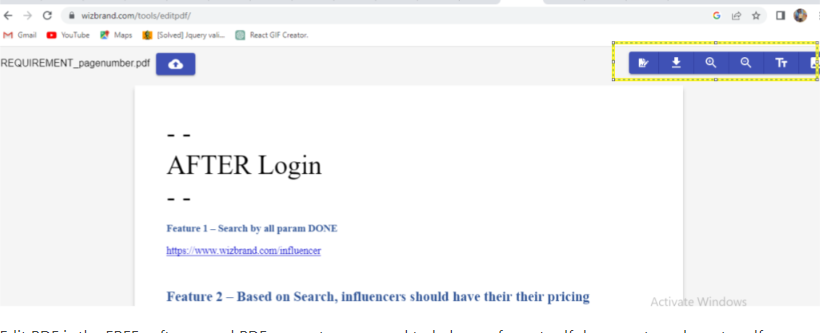
Step 4: Edit PDF is the FREE software and PDF converter you need to help you format pdf documents and create pdfs online. To edit PDF files online, open your pdf document with Edit PDF Tools and click on the Text Button in the Insert Tab within the tools to change your PDF text.
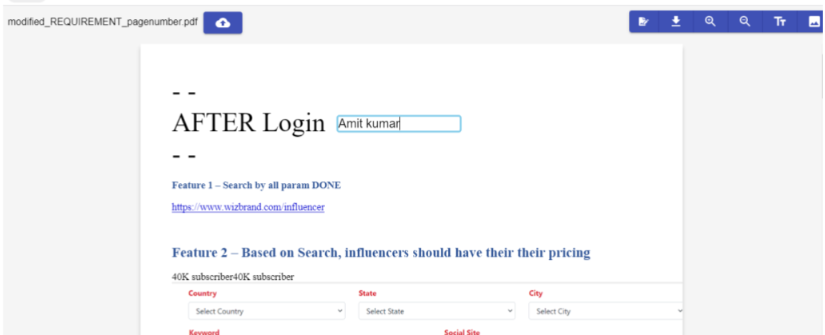
Output:-
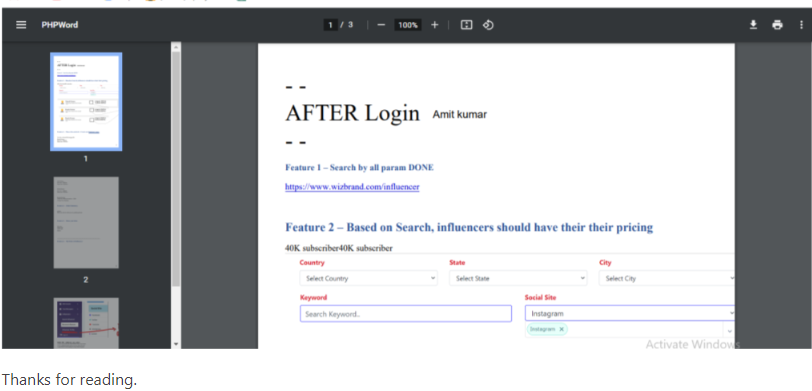
Follow the Links For Further Action
