JavaScript is a versatile language known for its powerful functions that empower developers to create dynamic and interactive web applications. In this blog, we will explore the three most influential functions in JavaScript that every developer should master. Through live code examples, we’ll demonstrate how these functions can be used to solve common programming challenges and enhance the functionality of web applications.
1. addEventListener():
The addEventListener() function is used to attach an event handler to a specified element. It allows developers to respond to user actions such as clicks, mouse movements, keypresses, and more.
<!DOCTYPE html>
<html>
<head>
   <title>addEventListener() in javascript - Wizbrand</title>

</head>
<body>

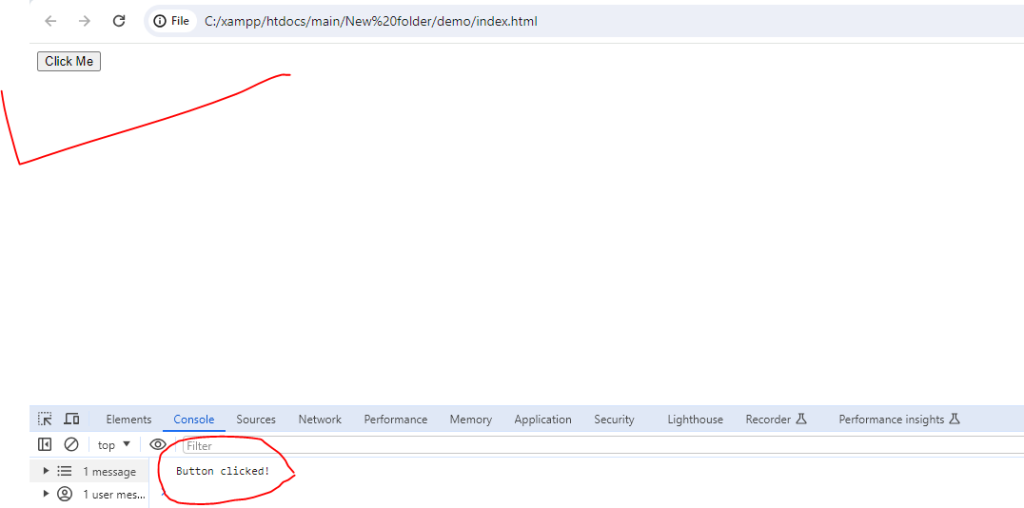
    <button id="myButton">Click Me</button>

</body>
<script>
    const button = document.getElementById('myButton');

button.addEventListener('click', () => {
  console.log('Button clicked!');
});
</script>
</html>
output:-
2. fetch():
The fetch() function is used to make asynchronous HTTP requests to fetch resources from a server. It provides a modern alternative to traditional XMLHttpRequest (XHR) and simplifies the process of working with APIs and fetching data.
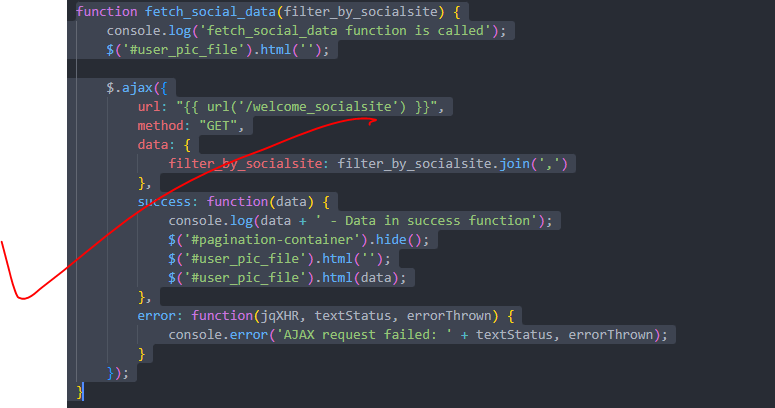
function fetch_social_data(filter_by_socialsite) {
        console.log('fetch_social_data function is called');
        $('#user_pic_file').html('');

        $.ajax({
            url: "{{ url('/welcome_socialsite') }}",
            method: "GET",
            data: {
                filter_by_socialsite: filter_by_socialsite.join(',')
            },
            success: function(data) {
                console.log(data + ' - Data in success function');
                $('#pagination-container').hide();
                $('#user_pic_file').html('');
                $('#user_pic_file').html(data);
            },
            error: function(jqXHR, textStatus, errorThrown) {
                console.error('AJAX request failed: ' + textStatus, errorThrown);
            }
        });
    }
output:-
3. map() function
The map() function is a powerful method that operates on arrays and allows you to apply a specified function to each element of the array. It then returns a new array with the results of calling the provided function on every element in the original array. The original array remains unchanged.
const numbers = [1, 2, 3, 4, 5];

// Using map() to double each number in the array
const doubledNumbers = numbers.map(num => num * 2);

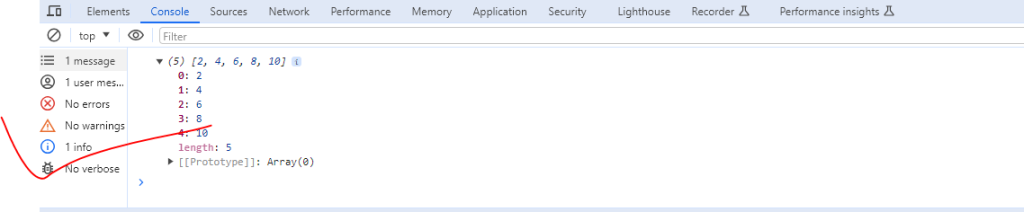
console.log(doubledNumbers); // Output: [2, 4, 6, 8, 10]
output:-
Hopefully, It will help you …!!!
