How to Check Project Size in Linux

Introduction

Have you ever wondered how to determine the size of a project in Linux? In this blog post, we will explore various methods to check the size of your project in Linux. Whether you are a developer or a system administrator, knowing the size of your project can be useful for resource allocation and optimization. So, let’s dive in!
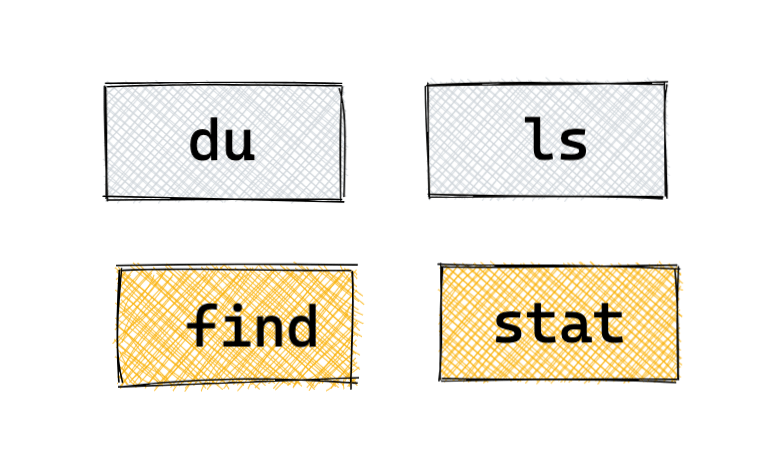
Method 1: Using the du Command

One of the easiest ways to check the size of your project is by using the du command. The du command stands for “disk usage” and provides information about the disk space used by files and directories.

To check the size of your project, open the terminal and navigate to the project directory. Then, run the following command:

du -h --max-depth=1

Output:-
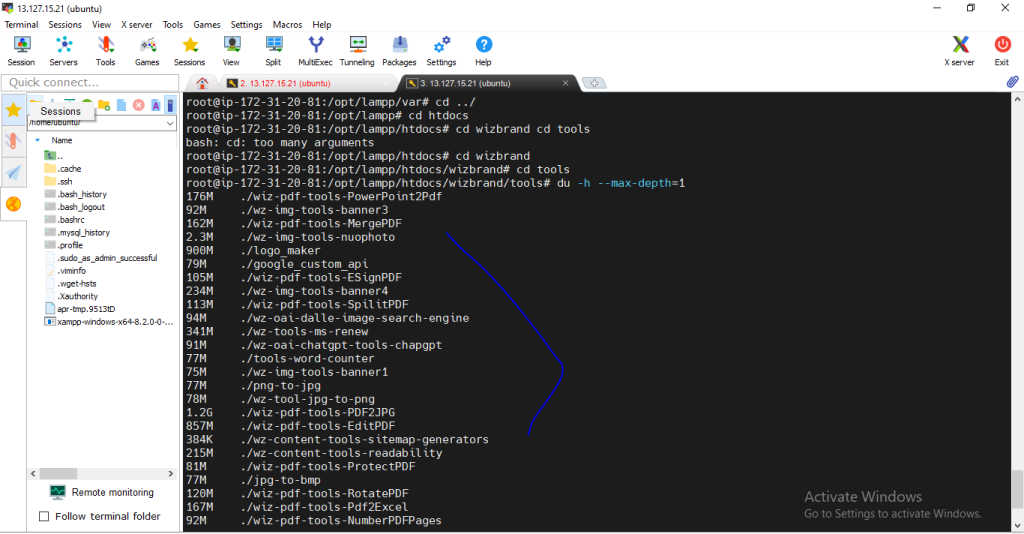
This command will display the total size of the project in a human-readable format, such as “10M” for 10 megabytes or “2G” for 2 gigabytes.

Method 2: Using the ls Command

Another method to check the size of your project is by using the ls command. The ls command lists files and directories in a directory, and with the appropriate options, it can display their sizes as well.

To check the size of your project using the ls command, open the terminal and navigate to the project directory. Then, run the following command:

ls -lh

This command will list all the files and directories in the project directory along with their sizes in a human-readable format.

Conclusion

Checking the size of your project in Linux is essential for effective resource management. In this blog post, we explored three methods to check project size: using the du command, using the ls command, and using the ncdu command. Each method has its advantages, so choose the one that suits your needs. Happy coding!

Related Posts

How DataOps Improves Alert Accuracy with AI Tools

Data pipelines run constantly to deliver numbers, reports, and dashboards. When something breaks, monitoring systems send alerts to data engineers. But when these notifications ring every ten…

Read More

Core Engineering Skills Needed to Master Data Pipeline Automation Systems

Introduction Imagine building a giant LEGO castle, but someone keeps swapping out your plastic bricks for blocks of melting ice. That is what working with raw digital…

Read More

Continuous Data Validation in DataOps: The Complete Architecture Guide

Continuous data validation is the systematic practice of asserting data correctness, schema consistency, and distribution integrity across every state boundary of an enterprise data pipeline. In DataOps,…

Read More

Implementing XOps: Key Pillars, Common Challenges, and Real-World Solutions

Introduction Modern engineering teams rarely run on pure application code alone. Enterprise software delivery now relies on distributed microservices, complex telemetry pipelines, machine learning inference engines, high-throughput…

Read More

Navigating Urology Treatment: From Early Symptoms to Advanced Care

Introduction Experiencing changes in urinary habits, persistent pelvic discomfort, or sudden kidney pain can feel unsettling. Many individuals delay seeking help because they are uncertain which doctor…

Read More

Modern DataOps Observability: A Practical Guide to Real-Time Data Monitoring

Introduction Organizations increasingly rely on fast event streams to power critical operational decisions. Applications across industries run on immediate analytical feedback loops: automated fraud prevention systems scoring…

Read More
Subscribe
Notify of
guest
0 Comments
Oldest
Newest Most Voted
Inline Feedbacks
View all comments
0
Would love your thoughts, please comment.x
()
x