The Split PDF Page online tool is a convenient solution for dividing lengthy PDF documents into smaller sections. Whether you need to send specific pages to someone or separate the document into chapters, splitting a PDF can be a time-consuming task without the right tools. However, with the Split PDF Page tool, the process becomes much simpler and more efficient.
The function of the Split PDF Page online tool?
The Split PDF Page online tool offers several useful functions to help users efficiently divide PDF documents:
- Splitting by Page Range: The tool allows you to specify a range of pages that you want to extract from the original PDF. For example, you can split a 100-page PDF into two separate files by specifying pages 1-50 and 51-100.
- Extracting Individual Pages: You can select specific pages to extract from the PDF document. This feature is helpful when you only need to share or work with particular pages and want to create a separate file for them.
- Splitting by Even/Odd Pages: If you want to split the PDF into two separate files containing even or odd pages, this feature comes in handy. It automatically divides the document into two parts based on the page numbering.
- Creating Equal Page Divisions: The tool allows you to split the PDF into multiple sections of equal page count. For example, if you have a 30-page PDF and want to divide it into three parts, each resulting file will contain 10 pages.
- Preserving Document Quality: When splitting the PDF, the tool ensures that the quality of the original document is maintained. It preserves the formatting, images, text, and other elements of the pages.
- Easy-to-Use Interface: The Split PDF Page online tool usually has a user-friendly interface, making it simple and intuitive to navigate. It typically involves a few steps to select the splitting method and specify the desired page ranges.
- No Installation Required: As an online tool, there is no need to download or install any software. You can access it through a web browser and perform the splitting task directly online.
- Platform Compatibility: The Split PDF Page tool works on various platforms, including desktop computers, laptops, tablets, and mobile devices. It is typically compatible with different operating systems, such as Windows, macOS, and Linux.
Overall, the Split PDF Page online tool simplifies the process of dividing PDF documents, offering flexibility and convenience for managing and sharing specific sections of a PDF file.
How Wizbrand’s Split PDF Page online tool Works
Step 1: Search https://www.wizbrand.com/tools/
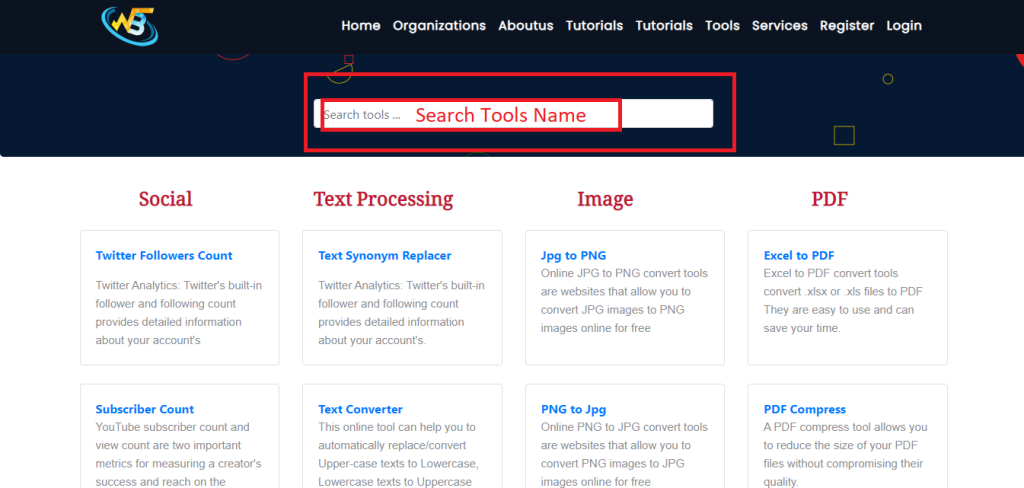
Step 2: Search for Split Pdf Tool
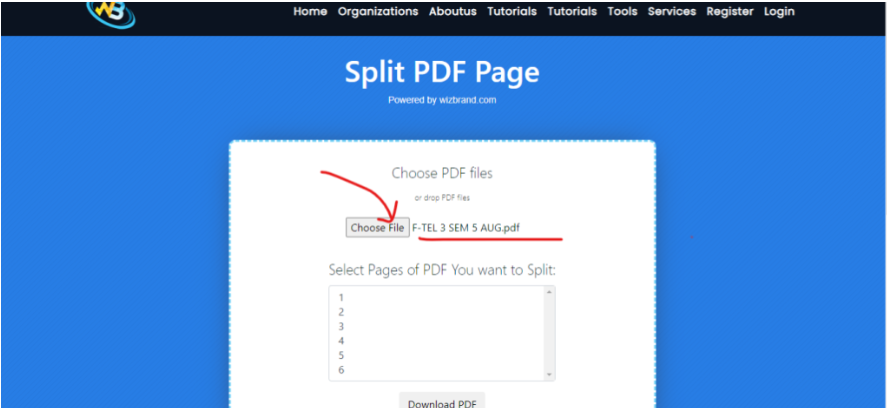
Step 3: Choose a Pdf File and select Page Number
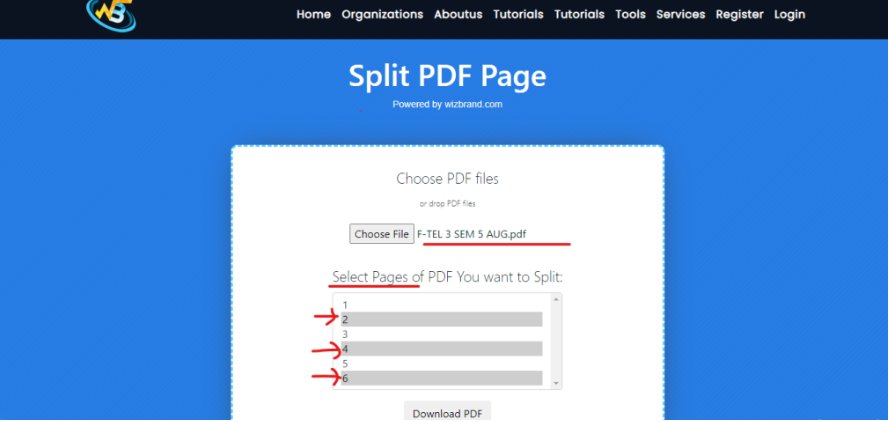
Output :
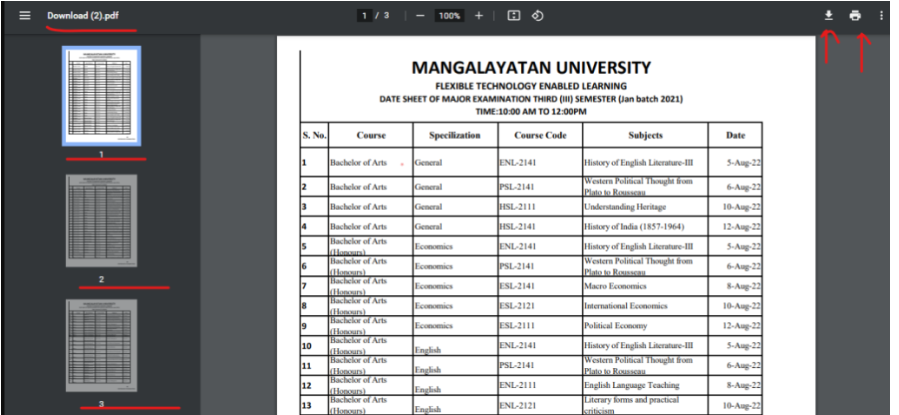
Follow the Links For Further Action
