Laravel, as a modern PHP framework, relies on various third-party dependencies and packages to enhance its functionality and streamline development. These dependencies are managed using Composer, a PHP dependency manager. Over time, new versions of these dependencies are released, introducing bug fixes, security patches, and new features. Therefore, it’s essential to keep your Laravel project’s dependencies up to date. In this blog post, we’ll explore how to manage outdated dependencies in Laravel using Composer effectively.
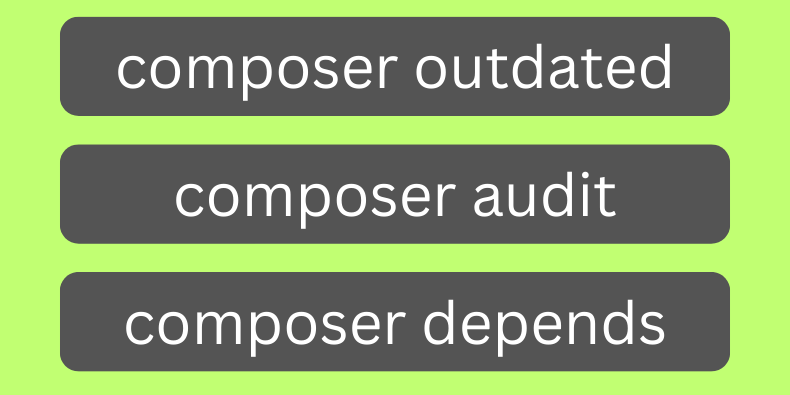
Checking for Outdated Dependencies:
Composer provides a convenient command to check for outdated dependencies in your Laravel project. Open your terminal or command prompt, navigate to your Laravel project directory, and run the following command:
composer outdatedUpdating Dependencies:
Once you’ve identified outdated dependencies, you can update them using Composer. There are two primary ways to update dependencies: updating a specific package or updating all packages to their latest versions.
Update a Specific Package: To update a specific package to its latest version, use the following command:
composer require vendor/package-nameReplace vendor/package-name with the actual name of the package you want to update. Composer will fetch the latest version of the package and update your project’s composer.json and composer.lock files accordingly.
Update All Packages: To update all dependencies to their latest versions, use the following command:
composer update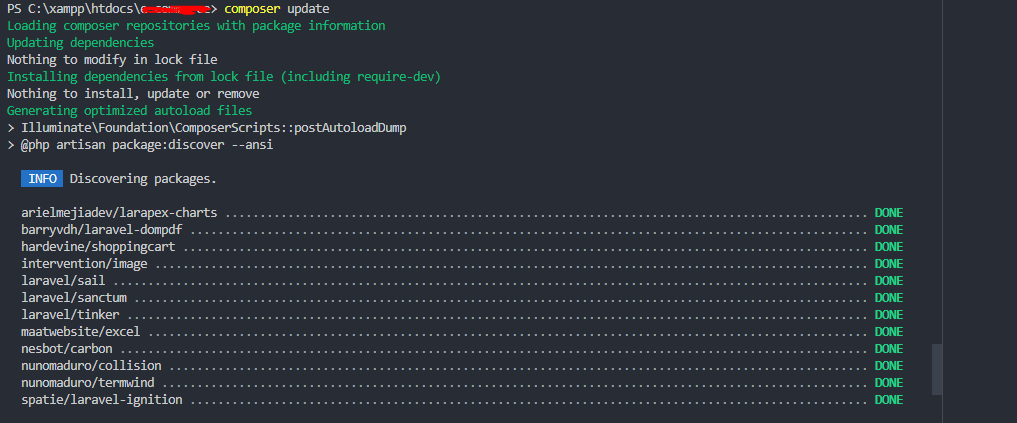
To update dependencies while respecting version constraints, you can use Composer’s --with-dependencies flag:
composer update --with-dependencies