In this tutorial im going to share top 20 composer command list, its very helpfull for you and your project.
- In this command you can see all the list of new updates of the installed packages in your project.
composer outdated

2. View all the list of available commands.
composer list

Now you see composer list with version
3. Update your composer by self
composer self-update

4. If you want to clear all packages cache, run below code.
composer clear-cache

5. You can query Composer to find where it has set the user $COMPOSER_HOME directory.
composer config --list --global
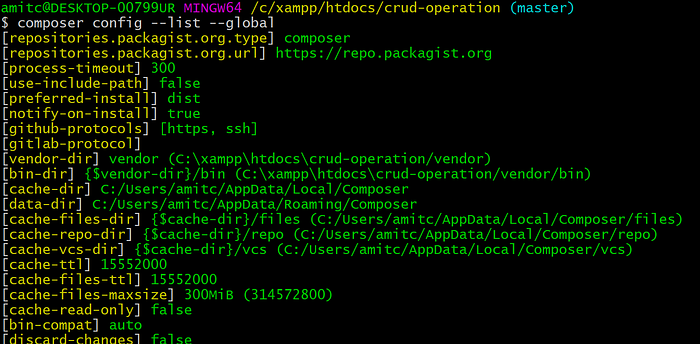
6. You can update a specific package by including the package name in the “self-update” command as below:
composer self-update 1.0.0-alpha7

7. Use this command line and navigate to the root folder of your project and enter
composer init

8. To check the composer current version
composer -v

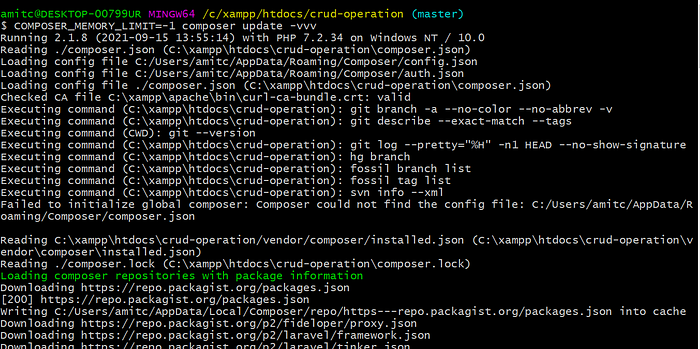
9. When your composer command screen is frozen, and you want to know if it’s working or not, use the following -vvv flag to print out all the debug logs.
COMPOSER_MEMORY_LIMIT=-1 composer update -vvv
10. Show a list of the packages installed with their version number.
composer info

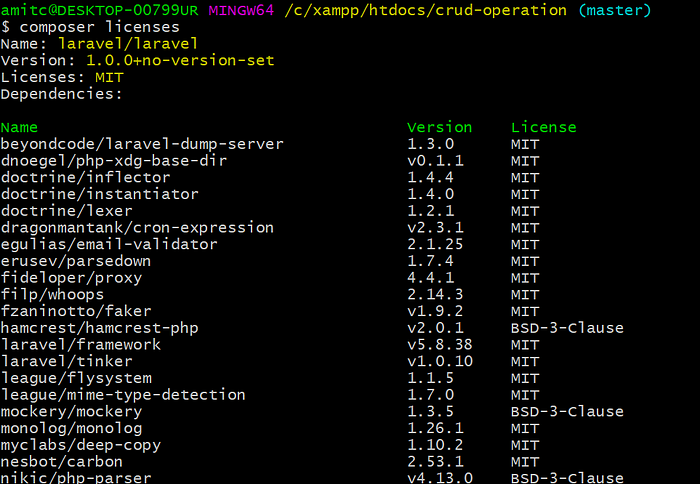
11. Show a list of the packages installed with their version number.
composer licenses
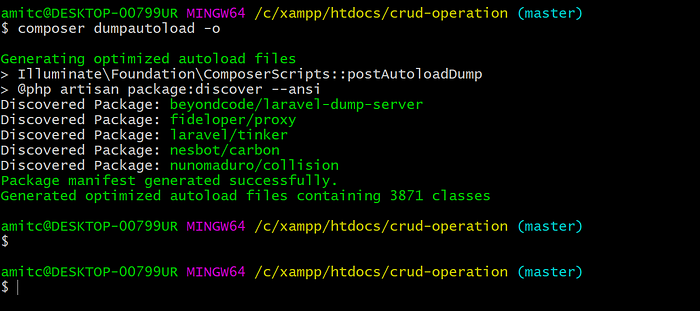
12. It regenerates the list of all the classes that need to be included in the project (autoload_classmap. php)
composer dumpautoload -o
13. Downloads and installs all the libraries and dependencies outlined in the composer.lock file.
composer install

14. Install composer without installing anything
composer install --dry-run

15. In order to get the latest versions of the dependencies and to update the composer.lock file, you should use the update command. This command is also aliased as upgrade as it does the same as upgrade does if you are thinking of apt-get or similar package managers.
composer.phar update
Thanks ??
