When working with data in Laravel applications, you may encounter the “foreach() Argument Must be Type Array|Object” error. This error typically occurs when attempting to iterate over a variable that is not an array or an object, which is a common issue when dealing with data retrieval or manipulation. In this blog post, we’ll explore the causes of this error and provide solutions to handle it effectively.
Understanding the Error
The “foreach() Argument Must be Type Array|Object” error occurs when trying to use a foreach loop on a variable that does not contain an array or an object. This can happen due to various reasons, such as incorrect data retrieval, failed database queries, or unexpected data format.
Common Causes of the Error
- Failed Database Query: If a database query fails to return the expected result, the variable assigned to store the query result may not be an array or an object, leading to the error when trying to iterate over it.
- Incorrect Data Format: Sometimes, data fetched from external sources or APIs may be in an unexpected format, causing the variable to be of a type other than an array or an object.
- Undefined Variable: If a variable is not properly initialized or assigned a value before being used in a foreach loop, it may result in this error.
Solutions to Handle the Error
1. Check Data Retrieval
Ensure that database queries are executed correctly and return the expected results. Use Laravel’s query builder or Eloquent ORM methods to retrieve data from the database.
$users = User::all();2. Validate Data Format
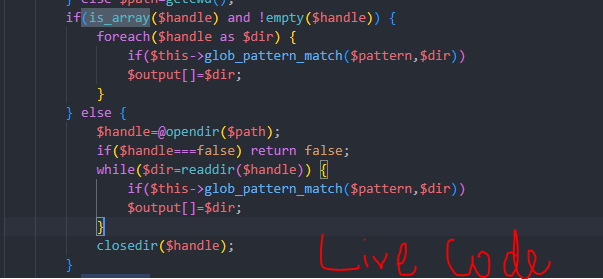
Before iterating over a variable, validate its type to ensure it is an array or an object. You can use PHP’s is_array() and is_object() functions for this purpose.
if (is_array($data) || is_object($data)) {
    foreach ($data as $item) {
        // Process each item
    }
} else {
    // Handle the case when $data is not an array or an object
}
3. Handle Database Query Errors
Implement error handling mechanisms to catch and handle database query errors gracefully. Laravel provides several ways to handle exceptions, such as try-catch blocks or using the catch method on query builder or Eloquent queries.
try {
    $users = User::all();
} catch (\Exception $e) {
    // Handle database query error
    Log::error($e->getMessage());
}
4. Initialize Variables
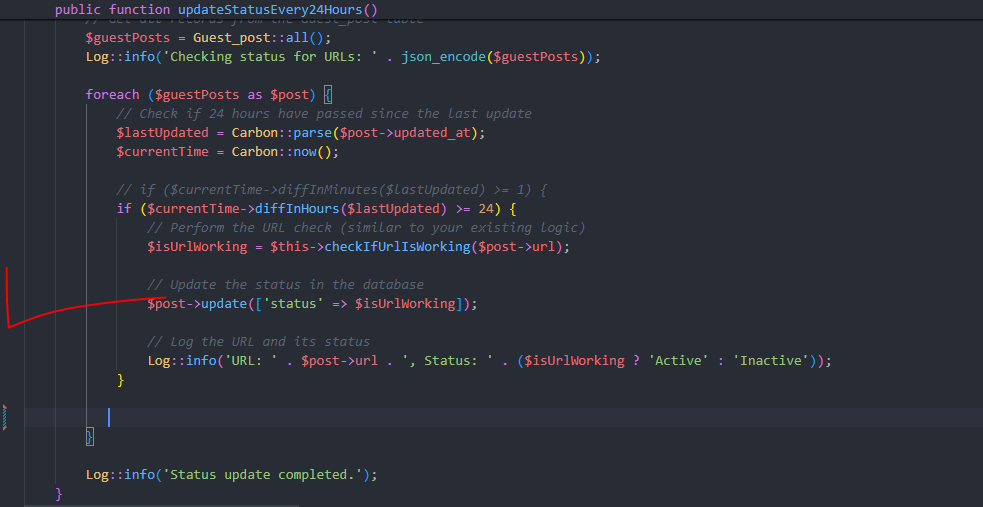
Ensure that variables used in foreach loops are properly initialized and assigned values before using them. Check for null or empty values to avoid the error.
$users = User::all();
if ($users !== null) {
    foreach ($users as $user) {
        // Process each user
    }
}
Hopefully, It will help you..!!
